
LinkedIn Message to Recruiter: How to Write One (Templates)
A LinkedIn message to a recruiter works when it is short, names a live posting, and asks for one thing. Most people get the LinkedIn message to recruiter wrong in the same way: too long, too general, and about themselves. Recruiters receive many of these a day and answer the ones that make their job easier. This guide explains the difference between a connection note and an InMail, why 300 characters is the right discipline, what recruiters ignore, and gives five templates you can adapt in a minute.
TL;DR: Send a connection request with a note under 300 characters that names a live posting and one proof. Ask for one thing: a look at your application or a short call. Skip "I am open to opportunities". Follow up once after a week in the same thread. Message the recruiter who owns the role, not every recruiter at the company.
Connection note or InMail?
LinkedIn gives you two doors. A connection request carries a note of up to 300 characters and is free. An InMail is a longer direct message to someone you are not connected with; it usually needs a paid account, and recruiters see many of them.
For most job seekers the connection note is the better tool. It is short by design, it is read in the notifications list, and accepting it costs the recruiter nothing. Once connected, you can send a normal message, which is where the details go.
Use InMail only when you cannot connect, for example when the recruiter's connection requests are closed, and keep it as short as the note would have been.
The 300-character discipline
The limit is not a constraint to work around. It is the format that works. A recruiter reads a connection note in about three seconds, and a note that fits the box is read to the end.
Three things belong in the note, in this order:
- The posting, by title and ideally by job number.
- One proof: your current role and one result that matches the posting.
- One ask.
Example, 271 characters: "Hello Ms. Chen, I applied today for the Payroll Specialist role (job 4471). I run bi-weekly payroll for 380 staff across two provinces with zero late remittances. Could you confirm my application reached the right screener? Thank you, Marcus."
Nothing about passion, culture or being a team player. Every character does work.
Reference a live posting
The single biggest improvement to a recruiter message is naming a posting that exists. Recruiters are measured on filling specific roles. A message that says "I am open to opportunities" gives them a research task. A message that says "I applied for job 4471 and here is why I fit" gives them a candidate.
Before you write, find the posting on the company careers page or the job board, copy the exact title and any reference number, and check that the recruiter you are messaging actually recruits for that team. Many recruiters list their areas in their headline or about section.
If there is no live posting, say what you are looking for in one phrase and ask to be kept in mind, then stop. Do not invent a fit.
What recruiters ignore
Recruiters who talk about this openly describe the same patterns.
- Messages with no role. "Are there any openings?" asks them to do your search.
- Long messages. Six paragraphs about your journey are skimmed, and the ask at the end is missed.
- Attachments in the first message. They will ask for a resume if they want one, and most have your profile open anyway.
- Flattery. "I am so impressed by your career" delays the point and reads as a script.
- The same note sent to everyone at the company. Recruiters on one team compare notes.
- A profile that does not match the message. If your headline says "student" and your note says "senior analyst", the note loses. Fix the profile first; the LinkedIn profile checklist covers what recruiters check.
Five templates
Each template is under 300 characters. Replace the bracketed parts and keep the shape.
After applying
"Hello [Name], I applied for the [Title] role ([job number]) today. In my current role I [one result with a number that matches the posting]. Could you confirm my application reached the right person? Thank you, [Your name]."
Before applying, to check fit
"Hello [Name], I am looking at the [Title] posting. My background is [current role, years] with [one result]. Before I apply, is this role open to candidates based in [city] / with [specific credential]? Thank you, [Your name]."
Referred by an employee
"Hello [Name], [Referrer] on the [team] team suggested I contact you about the [Title] role. I [one result]. I applied today and would value two minutes of your time if the role is still open. Thank you, [Your name]."
No live posting
"Hello [Name], I see you recruit for [function] at [Company]. I am a [current role] with [one result], looking for [target role] in [city]. If a fit opens up, I would be glad to be considered. Thank you, [Your name]."
After a recruiter viewed your profile
"Hello [Name], thank you for viewing my profile. I am a [current role] with [one result], currently exploring [target role] positions. If you are working on anything similar, I would be happy to talk. [Your name]."
The follow-up
If the recruiter accepts but does not reply, wait five to seven days and send one short message in the same thread: "Hello [Name], following up on the [Title] role. If it has been filled, I would appreciate knowing so I can focus elsewhere. Thank you." That last line makes it easy to reply with a no, and a no is useful.
If there is no reply after the follow-up, stop. Record the contact and the dates in your tracker. The next reason to write is a new posting on their team, not the calendar.
A cold email works on the same rules with a little more room; see how to write a cold email to a hiring manager for the email version.
How TrinityTalent helps
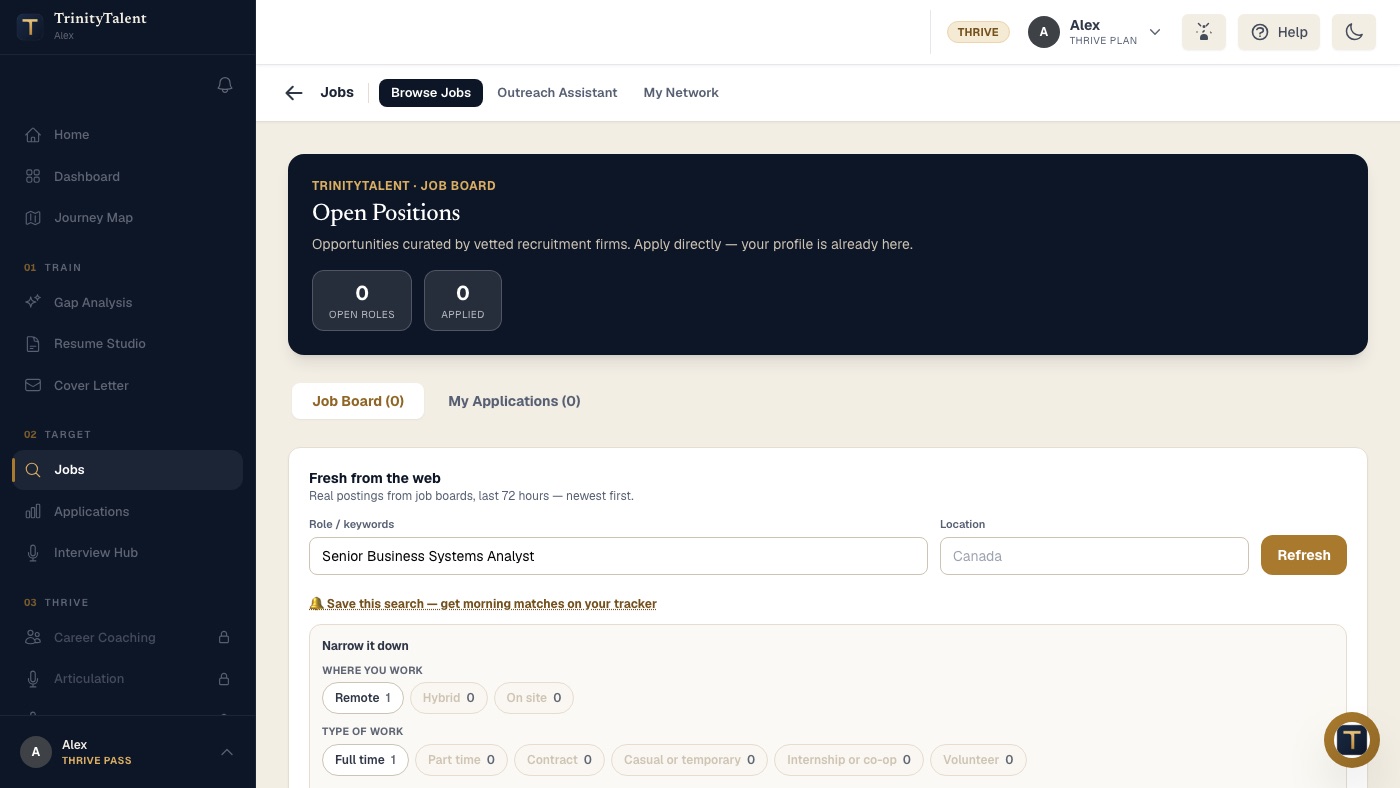
TrinityTalent's Outreach Assistant starts from real postings in the Jobs area. Pick the posting you are applying to and the assistant drafts a short recruiter message in your voice, pulling one matching result from your resume so the note fits the 300-character format without you counting. You edit the draft, then copy it into LinkedIn and send it yourself. Nothing is ever sent automatically, and there are no bulk messages.
The Application tracker keeps the posting text, the resume version you sent and the outreach thread on one card, so a follow-up a week later starts from what you actually wrote. Building, editing and exporting your resume on TrinityTalent is free.
Frequently asked questions
What should I say when messaging a recruiter on LinkedIn?
Name a live posting by title and job number, give one proof from your current role that matches it, and make one ask, such as confirming your application reached the right screener. Keep the whole note under 300 characters so it fits a connection request and is read to the end.
Should I send a connection request or an InMail to a recruiter?
Send a connection request with a note. It is free, it is short by design, and accepting it costs the recruiter nothing. Once connected you can send a normal message with more detail. Use InMail only when the recruiter does not accept connection requests, and keep it as short as the note.
How long should I wait before following up with a recruiter?
Five to seven business days after the recruiter accepts or after your first message. Send one short follow-up in the same thread and make it easy to reply with a no. If there is still no answer, stop and note the dates. Write again only when a new posting appears on their team.
Is it acceptable to message a recruiter if there is no open role?
Yes, but keep expectations low and the message short. Say what you do, give one result, name the role you want and the city, and ask to be kept in mind. Do not ask "are there any openings"; that gives the recruiter a research task instead of a candidate.
Put this into practice
Pick a real posting in Jobs and the Outreach Assistant drafts a short recruiter message from your resume. You edit it and send it yourself.
Write your cover letter