
How to Write a Cold Email to a Hiring Manager
A cold email to a hiring manager is a short message to someone who has not asked to hear from you, sent before or alongside a formal application. Done well, a cold email to a hiring manager gets your name read by the person who decides, instead of only by the system that sorts. Done badly, it is deleted in two seconds and remembered for the wrong reasons. The difference is not charm. It is finding the right person, naming the role in the subject line, saying three useful things, and asking for exactly one thing.
TL;DR: Find the manager who owns the team, not a generic inbox. Put the role in the subject line. Write three sentences: who you are with one proof, why this team, and one specific ask. Keep it under 120 words. Follow up once after five business days, then stop. Review and send every message yourself.
When a cold email is worth sending
A cold email works best in three situations. First, when you have already applied and want the manager to notice your application in the pile. Second, when a company you want to work for has no open posting that fits, and you want to be known before one appears. Third, when a role is posted but the company is small enough that the manager reads their own inbox.
It works poorly for very large employers with strict recruiter-only processes, and for roles where hundreds of people can plausibly do the job. In those cases the manager will forward you to the portal, and you have spent goodwill for nothing. Apply first; email second.
Find the right person
Sending to "careers@" is not a cold email. It is another application. The point is to reach the person who will manage the role.
- Read the posting for the reporting line. "Reports to the Director of Operations" tells you the title to look for.
- Search the company on LinkedIn and filter by that title and location. For a team of ten, the manager is usually one or two people.
- Confirm the email pattern from the company website or a press contact. Most companies use one pattern, such as first.last or first initial plus last name.
- If you cannot find a manager, the next best target is a senior person on the same team. Never guess a name you cannot verify.
Ten minutes of research is the whole difference between a message that lands and one that bounces or is ignored.
The subject line names the role
The subject line decides whether the email is opened. It must tell the reader what this is about in under eight words, and the role is the most useful word you have.
Good subject lines:
- "Warehouse Lead posting: applied today, one question"
- "Bilingual medical office assistant, available in September"
- "Referred by Priya Nair: Client Onboarding role"
Poor subject lines:
- "Quick question" (about what?)
- "Opportunity" (for whom?)
- "Hello from a motivated candidate" (deleted)
If a colleague of the manager referred you, their name goes in the subject line. If you have applied, say so; it tells the manager they can find you in the system.
The three-sentence body
A hiring manager reads a cold email on a phone, between meetings. Three sentences is the right length. Each sentence has a job.
- Who you are, with one proof. Your current role, and the single result that best matches what this team does.
- Why this team. One specific reason, drawn from the posting or from something the company has publicly done. Not "I admire your culture".
- One ask. A 15-minute call, a look at your application, or a note when a role opens. One ask, not three.
Here is a fictional example from Amara, a customer success specialist writing to the head of onboarding at a 60-person software company:
"Hello Mr. Okafor,
I lead onboarding for 40 to 60 new small-business accounts a month at Harbourview Payments and brought our time to first login down from nine days to four. I applied today for the Onboarding Specialist role because your posting puts time-to-value first, which is the metric I have spent two years on. Would you have 15 minutes in the next two weeks for a short call, or could you flag my application to whoever is screening?
Thank you, Amara Osei"
That is 84 words. It names the proof, the connection and the ask, and it gives the manager an easy way to say yes.
Attach or link, but do not overload
Attach your resume as a PDF with a clear file name, or link to a profile. Do not attach a cover letter, references, a portfolio and a certificate. One attachment or one link. If the manager wants more, they will ask, and asking is the reply you want.
Keep the formatting plain. No images in the signature, no coloured text, no bold paragraphs. A plain message from a real person reads better than a designed one.
The follow-up cadence
Most cold emails that get a reply get it after a follow-up, not the first message. Follow up once, five business days later, in the same thread. Two sentences: a short reminder of the ask, and a new piece of information if you have one, such as a completed course or a relevant result.
"Hello Mr. Okafor, following up on my note from last week about the Onboarding Specialist role. If a call is not possible, a pointer to the right person to speak with would be very welcome."
If there is no reply to the follow-up, stop. A third message does not change the answer and can cost you the next role at that company. Log the contact and the dates in your tracker so you know when to try again, which is usually when a new posting appears, not before.
Mistakes that get a cold email deleted
- A generic opening. "I hope this email finds you well" spends the first line saying nothing.
- Making it about you. "I am looking for new opportunities" is your problem. "Your posting puts time-to-value first" is theirs.
- Multiple asks. A call, a referral and feedback on your resume in one email means none of them happens.
- Sending the same message to five people at the company. Managers compare notes.
- Anything automated. A message sent by a tool without your review reads like one. Write it, read it, send it yourself.
For introverts who dread this, networking without small talk covers how to make outreach a system instead of a performance.
How TrinityTalent helps
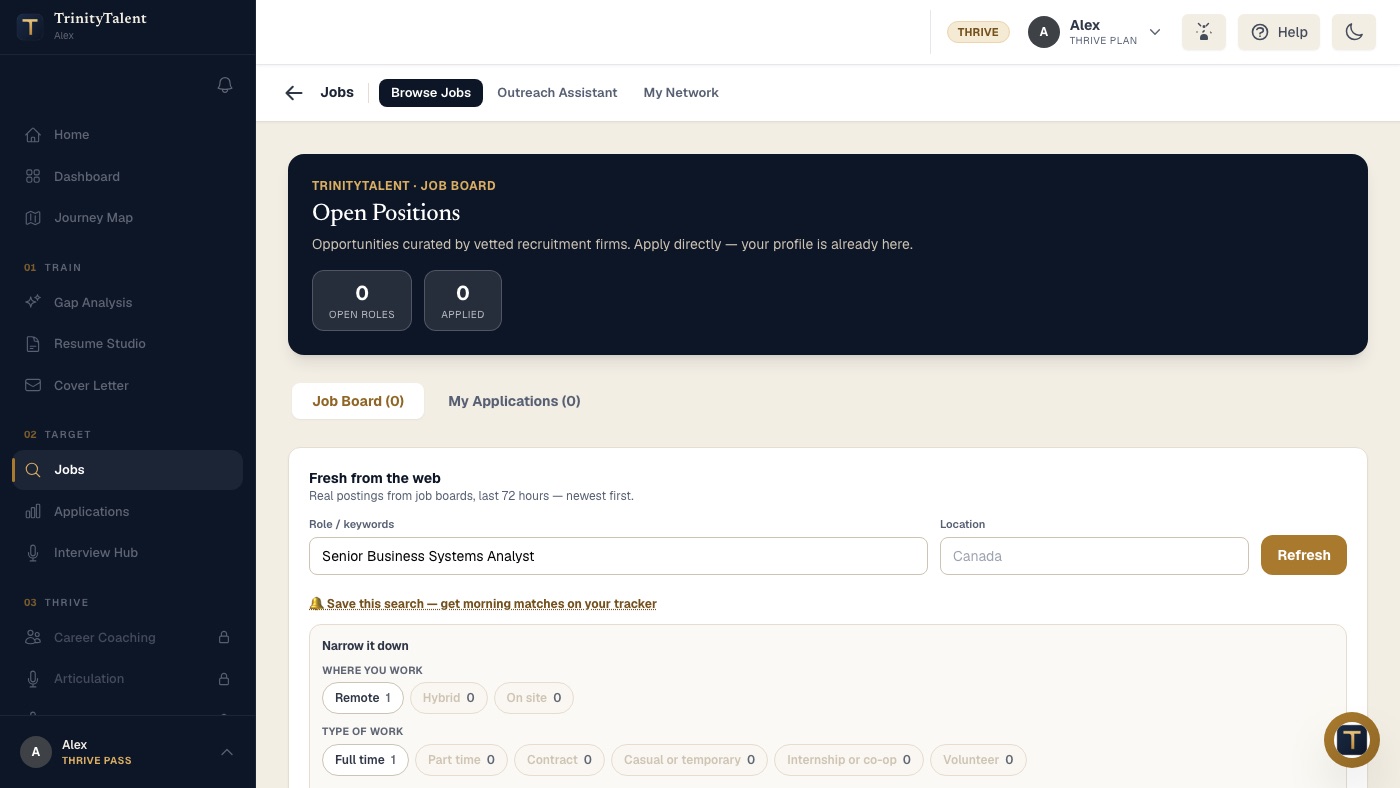
TrinityTalent's Outreach Assistant starts from real job postings, so a cold email is always tied to a role that exists. Pick a posting and the assistant drafts a short message in your voice, using facts from your resume that match the posting's requirements: one proof, one reason, one ask. You edit every line, and you send it from your own email account. Nothing is ever sent for you, and there are no bulk sends.
The Application tracker keeps the posting text, the resume version you sent and the outreach thread on one card, so when you follow up five days later you can see exactly what you wrote and when. Building, editing and exporting your resume on TrinityTalent is free.
Frequently asked questions
Is it appropriate to email a hiring manager directly?
Yes, when the message is short, specific and respectful of their time. Managers at small and mid-size companies often welcome it because it shows initiative and saves them screening time. Apply through the official process first when a posting exists, then email to draw attention to your application, not to bypass the process.
How long should a cold email to a hiring manager be?
Under 120 words, in three sentences plus a greeting and a sign-off. Managers read cold emails on a phone between meetings. State who you are with one proof, why this team, and one ask. If the manager wants more detail, the reply will ask for it, and a reply is the goal.
How many times should I follow up on a cold email?
Once, five business days after the first message, in the same thread. Keep it to two sentences and add one new piece of information if you have it. If there is still no reply, stop. Record the dates and try again only when a new role at that company is posted.
Should I attach my resume to a cold email?
Attach one PDF with a clear file name, or link to a profile, but not both and nothing else. A single attachment is easy to open on a phone. Cover letters, references and certificates can follow if the manager asks, and their asking is the reply you want.
Put this into practice
The Outreach Assistant drafts a short email from a real posting and your resume. You review it, edit it and send it yourself.
Write your cover letter